

Adding vehicle features to a vehicle listing is a great way to help sell a vehicle. This is important information that car buyers want to know and should always be included in a vehicle listing.
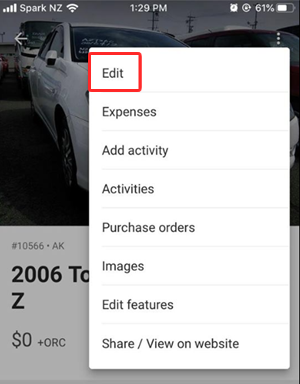
Step 1: Open up the vehicle > select Edit
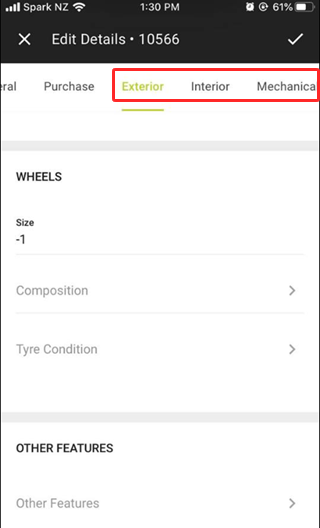
Step 2: Select either the Exterior, Interior or Mechanical tab > scroll down and select Other Features
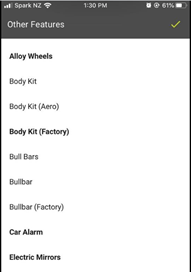
Step 3: Tap (bold) features to add them to vehicle
Leave a comment
Please sign in to leave a comment.