

Some third-party websites such as Trade Me Motors require your vehicles to meet certain criteria before they can be listed on their website. For example a vehicle must have at least one image and a price to be listed on Trade Me Motors.
Motorcentral will now check your vehicles against a third parties listing criteria (where possible) prior to you sending to them, to hopefully avoid any issues with listing your vehicles.
- To identify which vehicles may have issues, you can view at the time of export both the number of vehicles ready to be exported as well as a warning of the number of those vehicles that may have issues when listing them.
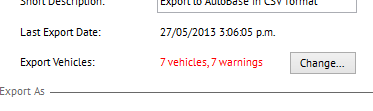
- To view those vehicles click the Change button and a list of vehicles currently selected for Export will be displayed.
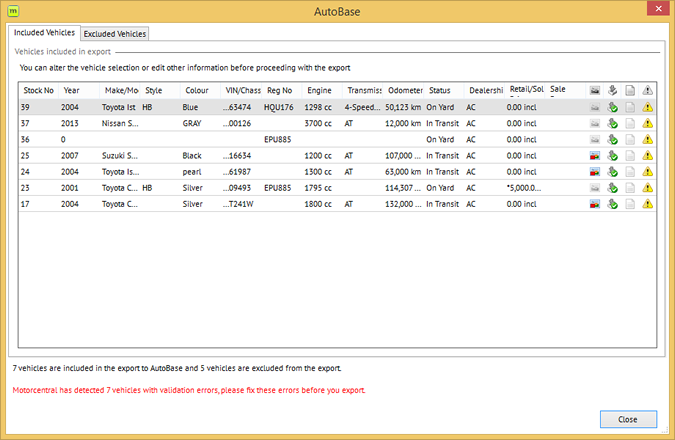
- At the end of each row you will note a warning symbol (
 ), which when coloured indicates there is a potential issue with listing that vehicle. To identify what that issue is simply place your mouse cursor over the symbol.
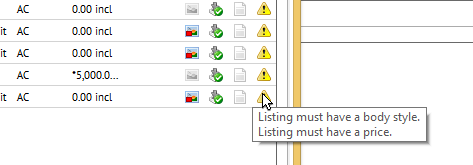
- Double-click the vehicle concerned to open it and rectify any identified issues. When all issues have been resolved the warning icon will become grey instead of coloured.
Leave a comment
Please sign in to leave a comment.